Each domain hosted in your WebHost4Life account comes with two default MX records, which point to our mail servers. MX records (Mail Exchange records) determine where your domain’s email is delivered, so it’s important to set them correctly for your email to function properly.
If you have your own mail server or want to use a third-party email service, you will need to update your domain’s MX records to point to the external server’s MX records. This ensures that emails sent to your domain are correctly delivered to the mail service you use.
Steps to Edit MX Records in WebHost4Life:
- Log in to your WebHost4Life account.
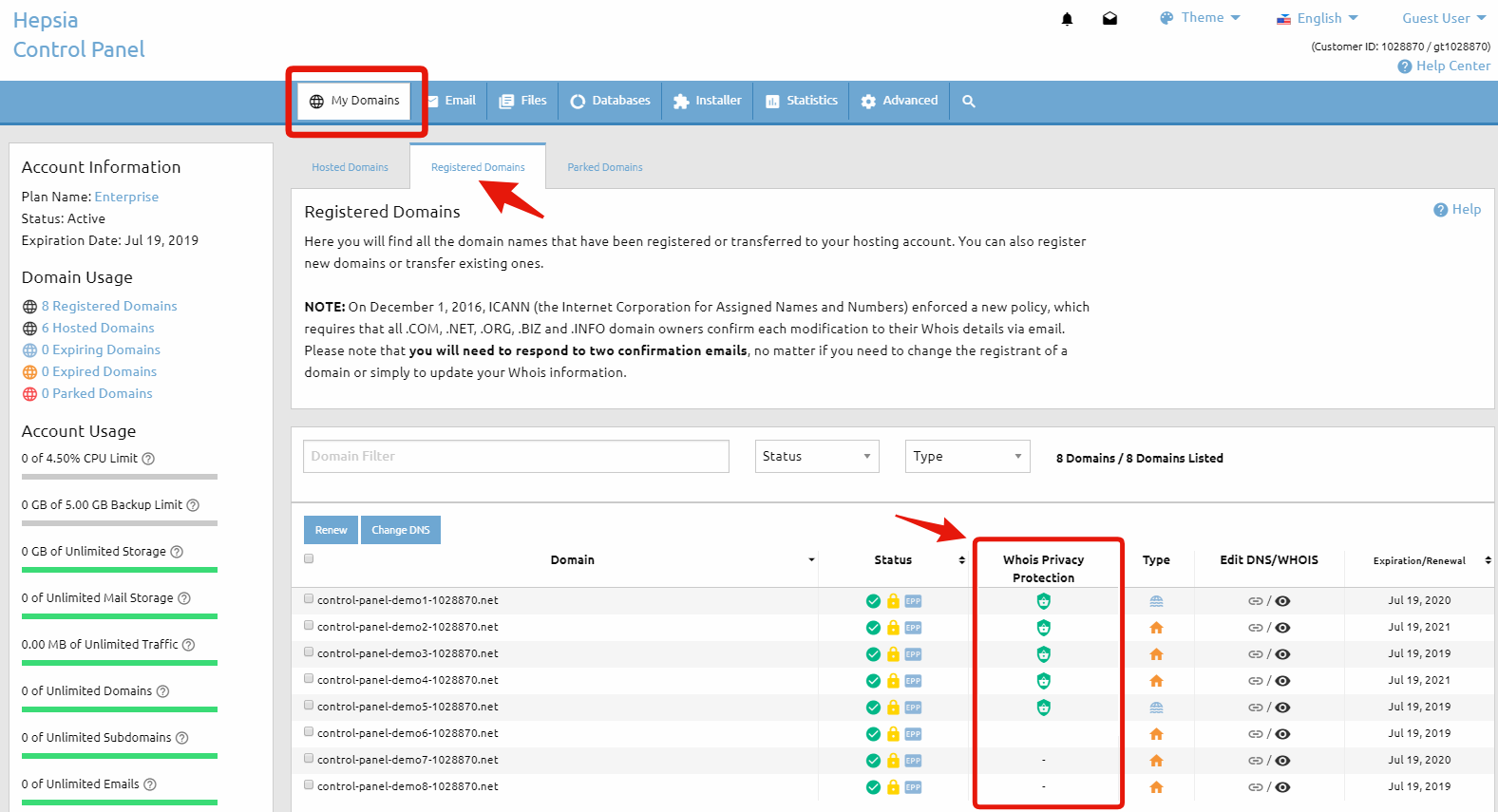
- Go to My Domains > DNS Records.
- Find the domain you want to update and click on it to expand its details.
- Replace the current
mx1andmx2records with the new MX records provided by your email service.- The highest priority is
1and the lowest priority is100.
- The highest priority is
- When ready, click the Modify button to save your changes.
Tips:
- Always verify the MX records provided by your email provider. Incorrect MX records can cause email delivery issues.
- If you’re switching from WebHost4Life’s mail servers to a third-party service, you may want to keep a backup of the original MX records.
- Changes to MX records may take up to 24 hours to propagate across the internet.
By following these steps, you can manage your domain’s email routing efficiently while using WebHost4Life’s reliable hosting platform.